
UTM: what it is and how to track campaigns properly
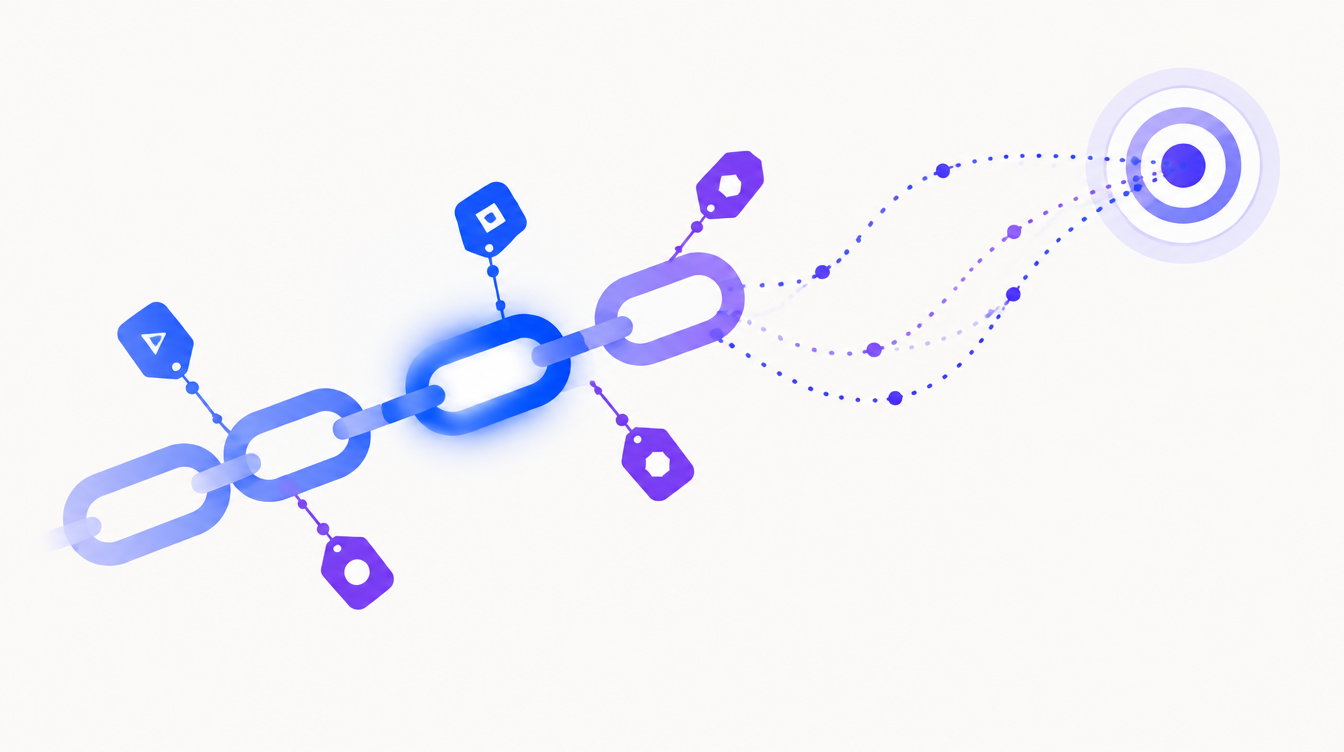
A fashion retailer spends $10,000 a month on traffic: Meta Ads, Google Ads, influencers, and WhatsApp broadcasts. At the end of the month, GA4 shows 40% of sales coming from "direct / (none)". The manager concludes the brand is getting stronger. In reality, nobody knows where almost half the revenue came from, and next month's budget gets decided on a hunch.
That attribution hole almost always has the same cause: links without tracking parameters. It's exactly the problem UTMs solve, with five simple tags appended to the end of a URL.
UTM is a set of parameters added to the end of a URL to identify where each visit came from: the channel (source), the type of channel (medium), and the campaign. Tools like Google Analytics 4 read these parameters and show which marketing action generated each visit, lead, or sale.
What does UTM stand for?
UTM stands for Urchin Tracking Module. Urchin was an analytics product Google acquired in 2005 and turned into Google Analytics. The name of its tracking module outlived the acquisition and became an industry standard: today virtually every analytics tool, from CRMs to automation platforms, knows how to read UTM parameters.
In practice, a UTM-tagged URL is a regular URL with a "?" followed by name-value pairs. The visitor sees the same page; you're the one who gains information.
The 5 UTM parameters, from required to optional
There are five tags. Three cover 90% of cases; two are refinement.
| Parameter | What it identifies | Examples | Usage |
|---|---|---|---|
| utm_source | Where the click came from | google, instagram, whatsapp, newsletter | Required |
| utm_medium | The type of channel | cpc, social, email, referral | Required |
| utm_campaign | The campaign or action | black-friday-2026, summer-launch | Required |
| utm_content | The ad or link variation | video-a, top-banner, bio-link | Optional |
| utm_term | The keyword (paid search) | running-shoes-men | Optional |
There's also utm_id, which GA4 uses to match imported cost data from ad platforms. If you don't import costs manually, you can safely ignore it.
What's the difference between utm_source and utm_medium?
It's the most common point of confusion, and getting it wrong scrambles your reports. Think of it this way: the medium is the shelf, the source is the product. "Social" is a type of channel (medium); Instagram and TikTok are origins within it (source). "Email" is the medium; "weekly-newsletter" or "mailchimp" is the source.
GA4 uses the combination of both to group traffic into default channels. If you write utm_medium=instagram, GA4 won't recognize "instagram" as a valid medium and will dump the visit into "Unassigned". The practical rule: stick to mediums the industry has already standardized (cpc, social, email, referral, display) and save your creativity for campaign and content.
How to build a UTM in practice
You don't need a paid tool. The simplest path has three steps.
- Build the link in Google's Campaign URL Builder, or straight in a spreadsheet with a concatenation formula. If you generate dozens of links a week, the spreadsheet wins: you keep a history of everything created.
- Standardize before publishing: all lowercase, no accents, no spaces (use hyphens). "Instagram", "instagram" and "IG" become three different sources in your report.
- Shorten the link when it's visible, as in organic posts or WhatsApp messages. A link shortener preserves the parameters while hiding the URL's "tail".
For paid ads, a caveat: Google Ads already tags clicks automatically with gclid (auto-tagging), so UTMs there are redundant for GA4, though still useful if you analyze data in other tools. Meta Ads has no equivalent auto-tagging: fill in the "URL parameters" field at the ad level, using dynamic variables like utm_campaign={{campaign.name}} so you never type values by hand.
Mistakes that break tracking (and how traffic becomes "direct")
When a visitor arrives with no referrer and no UTM, GA4 files the visit under "direct / (none)". That happens far more often than most people assume. An experiment by SparkToro with Really Good Data found that 100% of clicks coming from WhatsApp, Slack, Discord, and TikTok reached the site with no origin information at all, landing in reports as direct traffic.
In markets like Brazil, where our team operates, this is enormous: the country has around 147 million WhatsApp users, and 60% have already bought products or services through the app, according to a 2025 Opinion Box survey. If a business sells through messaging apps and doesn't tag its links, a meaningful slice of revenue is being credited to the wrong channel.
The most frequent mistakes in real accounts:
- No naming convention across the team: everyone labels campaigns their own way and the report turns into a flea market.
- Capitalization and special characters: "Email" and "email" show up as separate rows in GA4.
- UTMs on internal links: linking from your blog to your homepage with UTMs restarts the session and erases the visitor's real origin. UTMs are for links that arrive from outside.
- Forgetting the "invisible" channels: email, Instagram bio, printed QR codes and, above all, messaging apps.
Taxonomy: the convention matters more than the tool
UTMs are easy to create and easy to ruin. What separates a reliable report from chaos is a written naming convention, agreed on by everyone who creates links in the company. A lean example that works well:
- source: platform name, lowercase (meta, google, tiktok, whatsapp, newsletter).
- medium: one from a closed list (cpc, social, email, referral, organic-social).
- campaign: goal-product-date, like "leadgen-course-2026-09".
- content: creative or placement, like "testimonial-video" or "bio-link".
One agency we know that manages 15 accounts did just this, without changing a single tool: a one-page document with the convention plus a link review before every campaign launch. Within two months, "direct" traffic dropped from 38% to 11% and the monthly client report finally matched the ad platforms' numbers. That consistency is also a prerequisite for any conversion attribution model to make sense: no model can fix wrong origin data.
There's a trade-off worth admitting: an overly rigid taxonomy also breaks, because teams start inventing exceptions when the standard doesn't cover a new case. Review the convention quarterly; keep the medium list closed but the campaign list alive.
Where UTM data shows up afterwards
In GA4, the values appear in the traffic acquisition reports, under the "Session source", "Session medium" and "Session campaign" dimensions. You can cross them with conversions and revenue, and that's where UTMs pay off: comparing each channel's real cost per sale, not just clicks. Anyone tracking paid traffic metrics without this layer is measuring what the ad platform wants to show, not what happened on the site.
CRMs read UTMs too: saving the origin on the lead record lets you answer, months later, which campaign generated the customers who actually signed. That's the most underrated use of the parameter, and the most valuable one for long sales cycles.
Frequently asked questions
Do UTMs hurt SEO?
No, as long as they're only used on external promotional links. Google understands URL parameters and the canonical tag handles duplication. The real mistake would be spreading UTMs across your site's internal links, which distorts analysis and can get duplicate URLs indexed.
Do I need UTMs in Google Ads?
For GA4, no: auto-tagging (gclid) already sends everything automatically. But if you use other analytics tools or a CRM that reads parameters, enable UTMs in the account's tracking template alongside gclid.
What are utm_source and utm_medium?
utm_source identifies where the click came from (instagram, google, newsletter). utm_medium identifies the type of channel (social, cpc, email). Together they form the "source / medium" pair GA4 uses to group traffic into channels.
How do I create a UTM without a tool?
Write the URL, add a "?" and the parameter pairs separated by "&". Example: your-page.com?utm_source=whatsapp&utm_medium=social&utm_campaign=september-promo. Just avoid spaces, accents, and capital letters.
Do UTMs work for tracking sales on WhatsApp?
They track visitors who reached your site from links shared on WhatsApp. The reverse path (site to conversation) requires a different technique, such as WhatsApp links with pre-filled text and logging the origin in your CRM.
Tagging is the start, not the finish
Well-built UTMs don't improve any campaign by themselves. What they do is more basic and more rare: they guarantee that budget discussions start from true numbers. A company deciding which channel to cut or scale while staring at 40% "direct" is debating opinions, not data.
Once your links are tagged, the challenge shifts: crossing those origins with cost, revenue, and CRM data without spending your day building spreadsheets. That's the stage Sherlok was built for: connect Meta Ads, Google Ads, GA4, and your CRM, ask in plain language "which campaign brought the customers who spent the most?", and get the analysis ready, powered by the data your UTMs helped organize.
Your AI agents already know what to do in your account.
Turn them on free, no credit card.
- No credit card
- Read-only access
- Revoke it any time