
Conversions API vs Meta Pixel: what is the difference
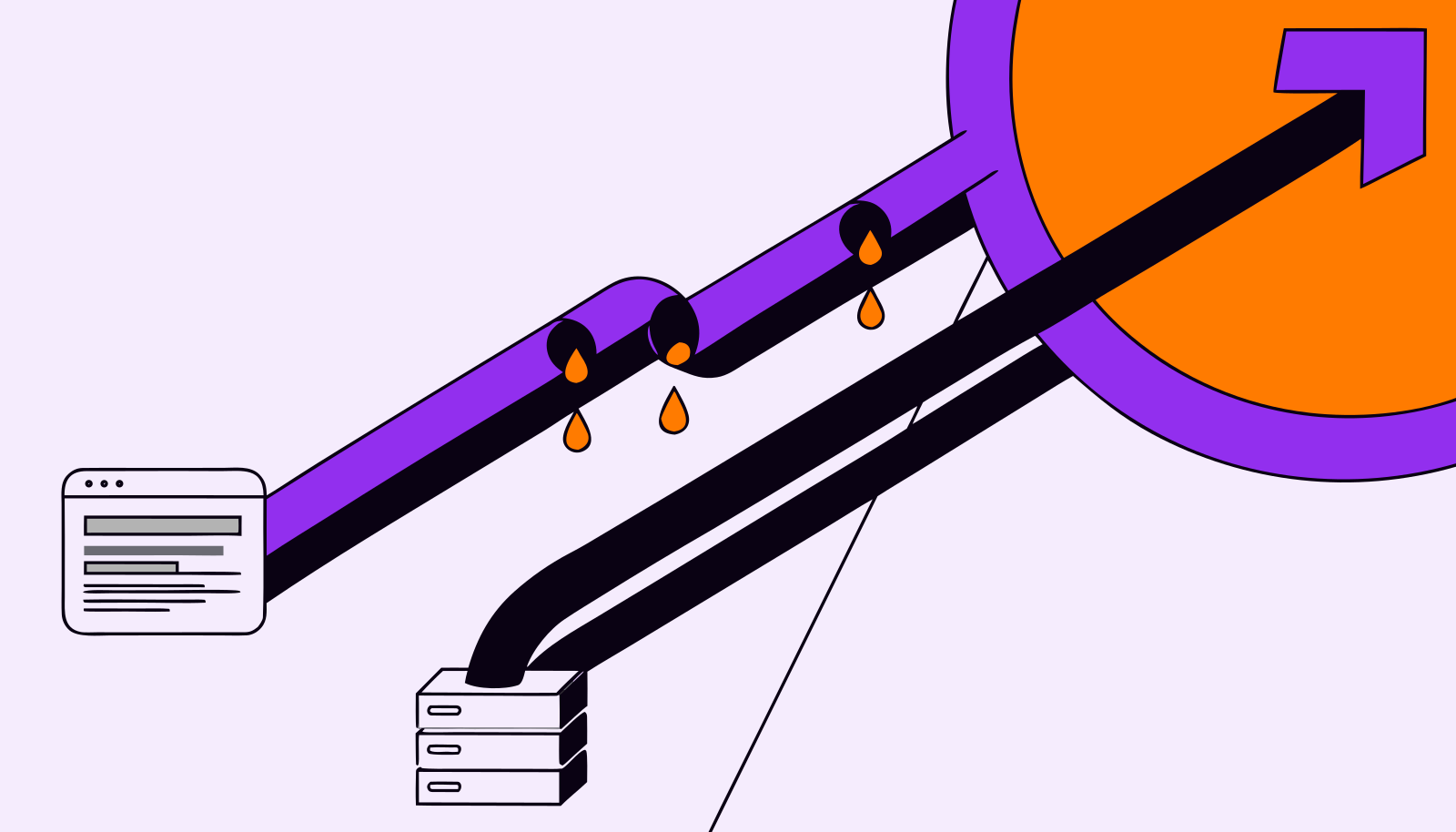
Ads Manager says you had 760 purchases this month. Your order system says 1,000. Nobody stole 240 sales: they happened, the Pixel just never saw them. That gap is why "Conversions API or Pixel?" comes up in almost every Meta Ads conversation right now.
The short answer disappoints anyone hoping to pick just one. The long answer explains why, for many businesses, the most valuable part of the sale happens somewhere the Pixel will never reach.
Quick answer: the Meta Pixel is code that runs in the visitor's browser and sends website events; the Conversions API (CAPI) sends events straight from your server or CRM to Meta. The difference is where the signal comes from. Best practice is to run both, sharing the same event_id so Meta discards duplicates.
What is the difference between the Conversions API and the Pixel?
The Pixel is a JavaScript snippet on your pages. When someone views a product, adds to cart or checks out, the browser fires the event and sets a cookie (_fbp) to tie that person to a Meta account. It is easy to install, captures browsing behavior in detail and works within minutes through a plugin.
The catch is that everything depends on the browser playing along. Ad blockers, Safari's tracking limits, cleared cookies, a page closed before the script loads: each one knocks out a slice of your events.
The Conversions API flips the route. Your own system (store, payment gateway, CRM, ERP) sends the event in a server-to-server call. No browser involved, so ad blockers don't interfere. And because the data leaves from wherever the sale was recorded, you can send events that never touched the website: a deal closed over the phone, a signed contract, a purchase completed in WhatsApp.
| Criterion | Meta Pixel | Conversions API |
|---|---|---|
| Where it runs | Visitor's browser | Your server, CRM or platform |
| Affected by ad blockers and Safari | Yes | No |
| Offline events (WhatsApp, store, phone) | No | Yes |
| Late sending | No, real time only | Yes, up to 7 days after the event |
| Setup | Minutes, via plugin or Tag Manager | From one click (native integration) to a dev project |
| Browsing behavior | Rich and automatic | Only what you choose to send |
Why the Pixel alone misses conversions
This isn't theory. eyeo's ad-blocking report, published in 2026 with 2025 data, estimates 1.1 billion ad-blocking users worldwide, about 30% of internet users. Brazil's measured rate was 29%, ahead of Mexico, Chile and Argentina (eyeo, Ad-blocking report 2026). Not every blocker kills the Pixel, but many do.
Then add the iPhone. Safari caps the lifetime of script-set cookies and strips tracking parameters from links in some contexts. In apps, iOS tracking consent (ATT) had an average opt-in rate of 35% in Q2 2025, according to Adjust. If your audience skews toward iPhone, you feel it more.
The practical effect shows up in ROAS. Here is a simulation (illustrative numbers, not research):
| Simulation | Actual sales (order system) | Sales the Pixel saw |
|---|---|---|
| Purchases in the month | 1,000 | 760 |
| Average order value | $40 | $40 |
| Revenue | $40,000 | $30,400 |
| Meta Ads spend | $10,000 | $10,000 |
| ROAS | 4.0 | 3.04 |
If your break-even ROAS is 3.2, the Pixel's view says the campaign loses money and should be cut. Reality says it is profitable. And the damage isn't limited to reporting: the algorithm also optimizes on less signal, learns more slowly and delivers to the wrong people more often.
What the Conversions API fixes (and what it doesn't)
CAPI recovers most of what the browser drops and opens a door the Pixel doesn't have: events that happen later and off-site. Meta's documentation lets you send an event up to 7 days after it occurred. If any event in a request is older than 7 days, the whole request is rejected, a detail that trips up many rushed integrations.
It isn't magic, though, and three limits deserve attention:
- It only sends what you give it. If your server lacks the customer's email, phone or _fbp cookie, Meta can't match the event to anyone. It still counts for basic measurement but doesn't feed optimization.
- Match quality beats volume. Events Manager gives each event a 0 to 10 Event Match Quality score. A low score with CAPI switched on means you paid for development and got little back.
- Fine-grained browsing still belongs to the Pixel. Scroll depth, content views, button clicks: you can replicate them server-side, but it rarely pays off.
The sale the Pixel will never see: WhatsApp and the CRM
This is the gap almost no tutorial covers. In many markets, and certainly in Brazil and much of Latin America, an ad starts a conversation, not a purchase. The clinic books over WhatsApp, the real estate agency closes after three visits, the school enrolls by phone. The Pixel sees the click and, with luck, the form. The revenue lands days later, in a system with no browser at all.
Take a custom furniture store that gets 400 form leads a month and signs 32 contracts. If the campaign optimizes for "Lead", the algorithm hunts for more people who fill out forms, including the merely curious. If the CRM sends those 32 contracts back through CAPI (with the same email or phone as the lead), Meta starts learning from people who actually buy. No creative tweak delivers that kind of gain.
How to use the Pixel and Conversions API together without duplicates
Meta's own recommended setup is redundant on purpose: the same event goes out through the Pixel and through CAPI. If one fails, the other covers. To avoid counting the purchase twice, Meta deduplicates, which requires three things:
- Same event name on both routes. "Purchase" in the Pixel and "Purchase" in CAPI. A lowercase "purchase" on one side already breaks it.
- Same event_id. Generate a unique ID per event (the order number works well) and send it identically on both sides. It's the most reliable method.
- A 48-hour window. Per the documentation, deduplication only happens if both events arrive within 48 hours. A server that batch-uploads once a week creates duplicates, not redundancy.
A simple sanity check: compare purchases in Events Manager with your own system for a week. If Meta shows more sales than you had, deduplication failed. If it shows far fewer, CAPI isn't sending or isn't matching.
Where to start, depending on your setup
There's no single right implementation. In practice, the shortest path depends on where the sale happens:
- E-commerce on Shopify, WooCommerce or similar: use the platform's native integration or the Events Manager partner setup. In a few clicks you get a deduplicated Pixel and CAPI. Check match quality after a week.
- Lead generation with deals closed in a CRM: the value is in sending the sale event from the CRM. HubSpot, Pipedrive and others offer connectors or automations for this. Send hashed email and phone.
- Custom site with high volume: server-side GTM or direct sending from your backend. More work, more control over what goes out and when.
First, standardize traffic sources with consistent UTMs. They don't replace CAPI, but they let you cross-check what Meta says against GA4 and your CRM, and that cross-check is where measurement becomes trustworthy.
What changes when you analyze campaigns
With CAPI live, Ads Manager numbers go up and plenty of teams celebrate the "performance boost". Be careful: in most cases the campaign is the same; what changed is the measuring stick. Note the implementation date and don't compare the month before with the month after without adjusting for it.
Also remember that Meta still attributes with its own model and windows. More complete data doesn't settle the conversion attribution debate; it just makes it more honest. For your review routine, the steps in how to analyze Meta Ads campaigns still apply, now on a base that looks more like reality.
Frequently asked questions
Does the Conversions API replace the Meta Pixel?
No. The recommendation is to use both. The Pixel captures browsing in detail and automatically; the Conversions API covers what the browser loses plus off-site events. Together, with deduplication, they give the most complete signal.
Do I need a developer to set up the Conversions API?
It depends on your platform. Stores on Shopify or WooCommerce usually have a native integration you turn on in a few clicks. Custom sites, or sending sales from a CRM, usually need development work, server-side GTM or an integration tool.
Why does Meta say "your Pixel is not active"?
The warning shows up when Meta stops receiving Pixel events for a while. Common causes are code removed during a site update, a theme change, or a cookie consent banner that blocks the script from loading. Check with the Meta Pixel Helper extension and look at Events Manager.
Does the Conversions API work for WhatsApp sales?
Yes. The API accepts events originating from messaging conversations and from your own systems, so you can send Meta the sale closed in WhatsApp. The critical part is storing, in your CRM, an identifier that links the conversation to the ad and the customer.
Does running the Pixel and Conversions API together double-count conversions?
Only if deduplication is wrong. Send the same event name and the same event_id on both routes, within 48 hours, and Meta counts it once.
Measuring right is the prerequisite, not the goal
Setting up the Conversions API fixes the ruler. The decisions come after: which campaign to scale, which audience to cut, how much each channel really returns when you look at the sale in the CRM rather than the ad click. It's the natural next step once your first-party data is in order. Sherlok connects Meta Ads, GA4 and your CRM and lets you ask in plain language, for example "how much of this month's revenue came from Meta ads?", and get the analysis ready, with numbers from all three sources side by side.
Your AI agents already know what to do in your account.
Turn them on free, no credit card.
- No credit card
- Read-only access
- Revoke it any time