
AI marketing automation: 5 workflows that actually work
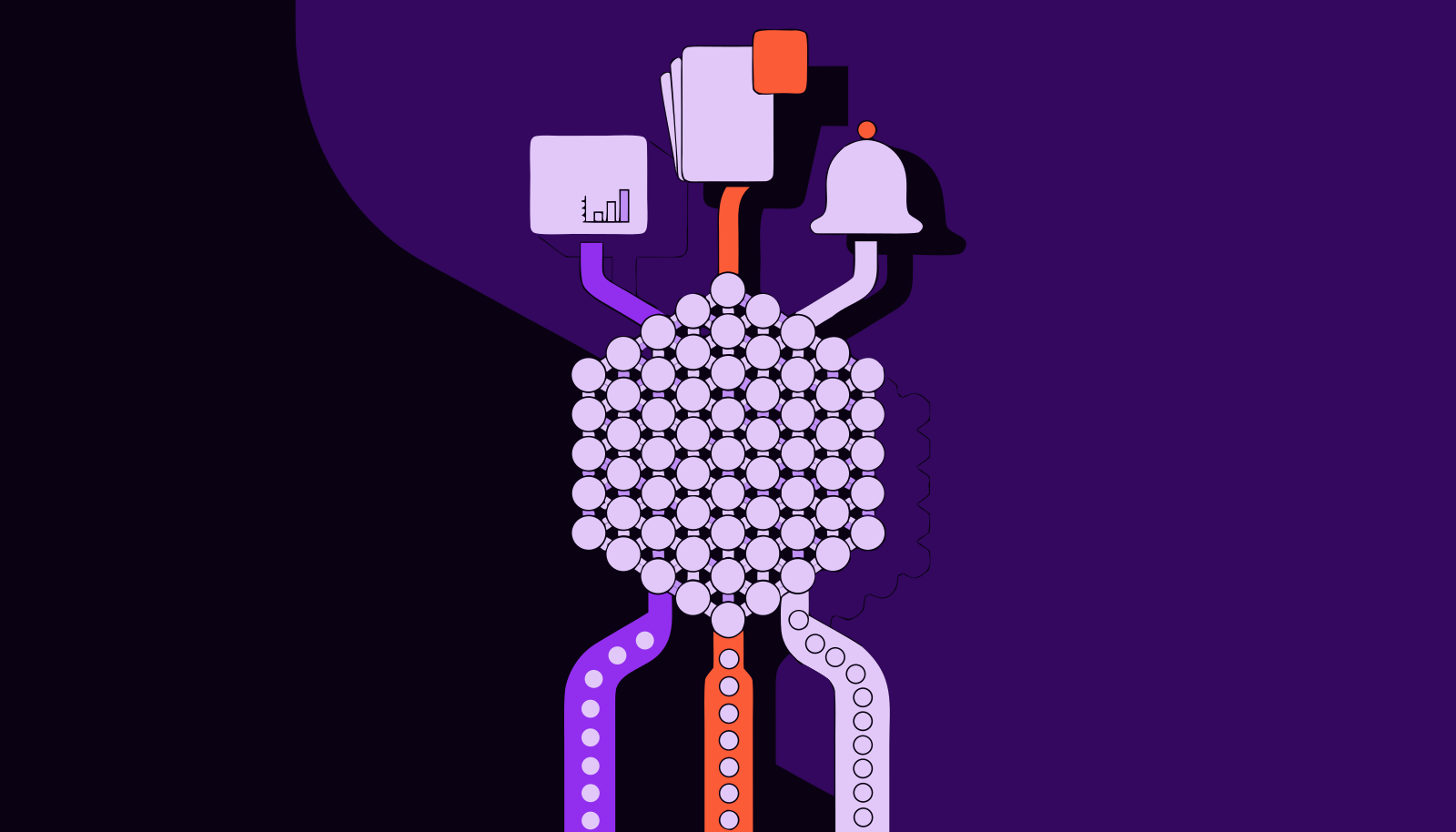
Monday, 9 a.m. At an online store in São Paulo state, the marketing analyst exports three spreadsheets (Meta Ads, Google Ads and GA4), pastes them into a fourth, fixes the formulas that broke since last week and builds the report the director will read in two minutes. Meanwhile, the company's email tool keeps sending the same welcome sequence that was set up in 2023 and never touched again.
This company has marketing automation. What it doesn't have is AI marketing automation. The first automates sending; the second automates the decision about what to send, to whom, when, and what to look at first. And decisions are where the team loses the most hours.
AI marketing automation is the use of artificial intelligence models inside automated workflows to decide what to do with each signal: which lead to prioritize, which metric swing deserves an alert, what to write in a report. Unlike traditional automation, the rule is no longer fixed ("if opened, send") but takes context and history into account.
What is the difference between traditional and AI marketing automation?
Traditional automation runs on "if X happens, do Y" rules. It is predictable, cheap and great for things that don't change: confirming an order, sending an invoice, flagging an abandoned cart. The trouble starts when the right answer depends on context. A fixed rule has no idea that a $13 CPA is normal in December and worrying on a Tuesday in March.
| Traditional automation | AI automation | |
|---|---|---|
| Logic | A fixed rule someone wrote | A decision based on patterns and context |
| Input | One isolated event (open, click) | The event plus history, CRM and metrics |
| Typical output | A message is sent | A priority, alert, text or recommendation |
| Maintenance | Someone has to remember to review it | Needs clean data and outcome review |
| Where it breaks | When the scenario changes | When the input data is wrong |
One doesn't replace the other. In practice, the best workflows combine both: fixed rules handle what is mandatory, and AI steps in only at the point where, today, someone stops to think.
AI use is growing, but automated decisions are still rare
The numbers show adoption rising and maturity lagging. In Brazil's ICT Enterprises survey by Cetic.br, released in June 2026, AI use among companies with 10 or more employees rose from 13% to 17% between 2024 and 2025, reaching 50% among large companies. Among those already using AI, natural language generation (texts, automated replies, communications) grew the most: from 20% to 30%.
The global picture is similar. Salesforce's State of Marketing, published in February 2026 with nearly 4,500 marketing leaders, shows 75% have adopted AI. Yet 84% admit to running generic campaigns and 69% struggle to respond to customers promptly. In other words, AI has reached the team but not the workflow. It writes a post when someone asks; it doesn't decide anything on its own inside the process.
How does an AI marketing automation workflow work?
Every workflow that works has five parts. Miss any of them and you get either a robot that makes mistakes at scale or a project nobody uses after the first month.
- Trigger: the event that starts the flow. A new lead, the end of the day, a WhatsApp message.
- Context: the data the AI needs to decide well. This is where most projects die, because customer history sits in the CRM, media sits on two platforms and nobody has joined anything.
- Decision: the AI classifies, compares or writes. It is the only truly "intelligent" step.
- Action: what happens with the decision. Notify someone, create a task, move a lead to another stage.
- Review: a human checks the outcome and adjusts the criteria. Without it, the flow never improves.
5 AI marketing automation workflows that work (beyond email)
The email nurture sequence is everyone's go-to example, so we left it out. These five show up often in mid-sized companies and deliver measurable returns.
1. Lead scoring and routing
The classic problem: more leads come in than the sales team can handle, and reps call them in order of arrival. The AI combines form data with on-site behavior and the profile of past buyers, then returns a priority (A, B or C) along with the reason.
A simulation shows the size of the gain. Picture 400 leads a month, a 4% average conversion rate and one rep with capacity for 120 quality conversations. Calling in order of arrival, they reach an average sample and close about 4.8 deals (120 × 4%). If the 120 leads the AI prioritizes convert at 10%, that's 12 deals with the same effort. The exact numbers vary a lot, but the logic holds: AI doesn't create demand, it reorders the queue. If you don't measure conversion by stage yet, start with a data-driven sales funnel before automating anything.
2. Metric anomaly alerts
Most media alerts are a fixed rule: "tell me if CPA goes above $16." They fire too late or all the time. An AI alert compares today's value with the expected behavior for that weekday, that campaign and that season.
Example: if a campaign's CPA usually sits between $9 and $12 on Mondays, a $13.50 CPA is an anomaly, even though it is below the fixed $16 limit. The fixed rule would only fire days later, once the damage was already in the monthly numbers. A good alert also states the likely cause: a drop in landing page conversion, a CPM spike, an ad that stopped running.
3. A weekly report that writes itself
This is the flow that gives our analyst her Monday back. Media, analytics and CRM data are consolidated, and the AI writes what changed, what probably caused it and what is worth testing. A human reviews in 15 minutes what used to take a whole morning to build.
The catch is structure. An automated report with a bad structure just delivers garbage faster. Define up front which questions it must answer, as we show in our guide on how to build a marketing report.
4. Behavior-based re-engagement
Instead of "send a coupon 30 days after the last purchase," the AI estimates each customer's buying rhythm. Someone who buys every 20 days and has been gone for 35 is a signal; someone who buys every 90 days and has been gone for 35 is not. The action can be a WhatsApp message, a custom ad audience or a task for customer service to call.
This is the riskiest flow on the list, because it talks straight to the customer. A wrong message in the wrong tone costs more than a false alert.
5. Message and comment triage
Messages arrive via WhatsApp, Instagram, forms and email. The AI tags each one (question, complaint, purchase intent, spam) and routes it to whoever can solve it. Remember the 69% of marketers who struggle to respond on time? This is exactly where that bottleneck shows up. Triage doesn't need to reply on its own to be useful; just putting purchase intent at the top of the queue changes the day's results.
Where should you start with AI marketing automation?
The temptation is to start with the flashiest flow, which is almost always the one that talks to customers. In practice, that rarely works, because the first public mistake kills the team's trust in the whole project. The order that reduces risk is different.
Start with flows where AI only reads data and writes for someone on the team: alerts and reports. If it gets something wrong, a person notices before any customer does. Then move to lead scoring and triage, where AI decides the order of things but a person still makes the contact. Leave for last the flows that act on customers by themselves. This progression mirrors the line between simple automation and a real agent, which we cover in AI agents in practice.
Where AI automation breaks
The model is almost never the problem. The four things that sink most projects are elsewhere:
- Dirty or siloed data. If the CRM lead has the wrong source, the AI prioritizes based on garbage. Read about the silent data quality errors before blaming the tool.
- Poorly defined metrics. "Qualified lead" means one thing to marketing and another to sales. The AI will learn the wrong definition just as efficiently.
- Alerts with no owner. An alert that lands in a channel where nobody is accountable becomes noise within two weeks.
- No review. Without someone comparing the AI's decision to the real outcome, the flow stays stuck at day-one quality.
A simple test before automating: can someone on the team explain, in two sentences, how they make this decision today? If not, the problem is the process, and AI will only make the confusion faster.
Frequently asked questions
What is AI marketing automation?
It is the use of artificial intelligence inside automated marketing workflows to make decisions that used to need a person, such as prioritizing leads, spotting metric anomalies or writing reports. Traditional automation follows fixed rules; AI automation takes context and history into account.
Which marketing tasks can be automated with AI?
The most mature today are lead scoring, campaign performance alerts, automated reports, message triage and behavior-based customer re-engagement. Copywriting and ad variations too, as long as someone reviews them before publishing.
Can small businesses use AI marketing automation?
Yes, often with less friction, because they have fewer systems to connect. The starting point is having media, website and sales data accessible in one place. Begin with alerts or reports, which need little tuning and fail cheaply.
Will AI replace the marketing team?
Not in the workflows described here. It takes the repetitive work off the team (consolidating data, ordering queues, watching dashboards) and gives back time to decide what to do with the information. The workflows that work always include a human review step.
Automating the send is easy; automating the watch is the hard part
Every company already has a tool to send messages. What's missing is someone looking at the data every day, comparing it with what's normal and saying what changed. That's the layer AI marketing automation solves first, and it's where you should begin. Sherlok was built for exactly that: connect Meta Ads, Google Ads, GA4 and your CRM, ask what happened in plain language and get the analysis ready, without building spreadsheets on Monday morning.
Your AI agents already know what to do in your account.
Turn them on free, no credit card.
- No credit card
- Read-only access
- Revoke it any time